
Google Chat for Android
2026.09.07.977329722.Release · Google LLC · Page updated
Google Chat is Google's messaging app for direct messages and team chat rooms. This page covers the Android build 2026.09.07.977329722.Release.
Rate Google Chat
Average 0.0 · ratings: 0
Thank you! Your rating is saved; you can change it. Could not save the rating. Please try again later. Too many ratings from your network today. Please try again tomorrow. The average appears after 5 ratings.
Screenshots
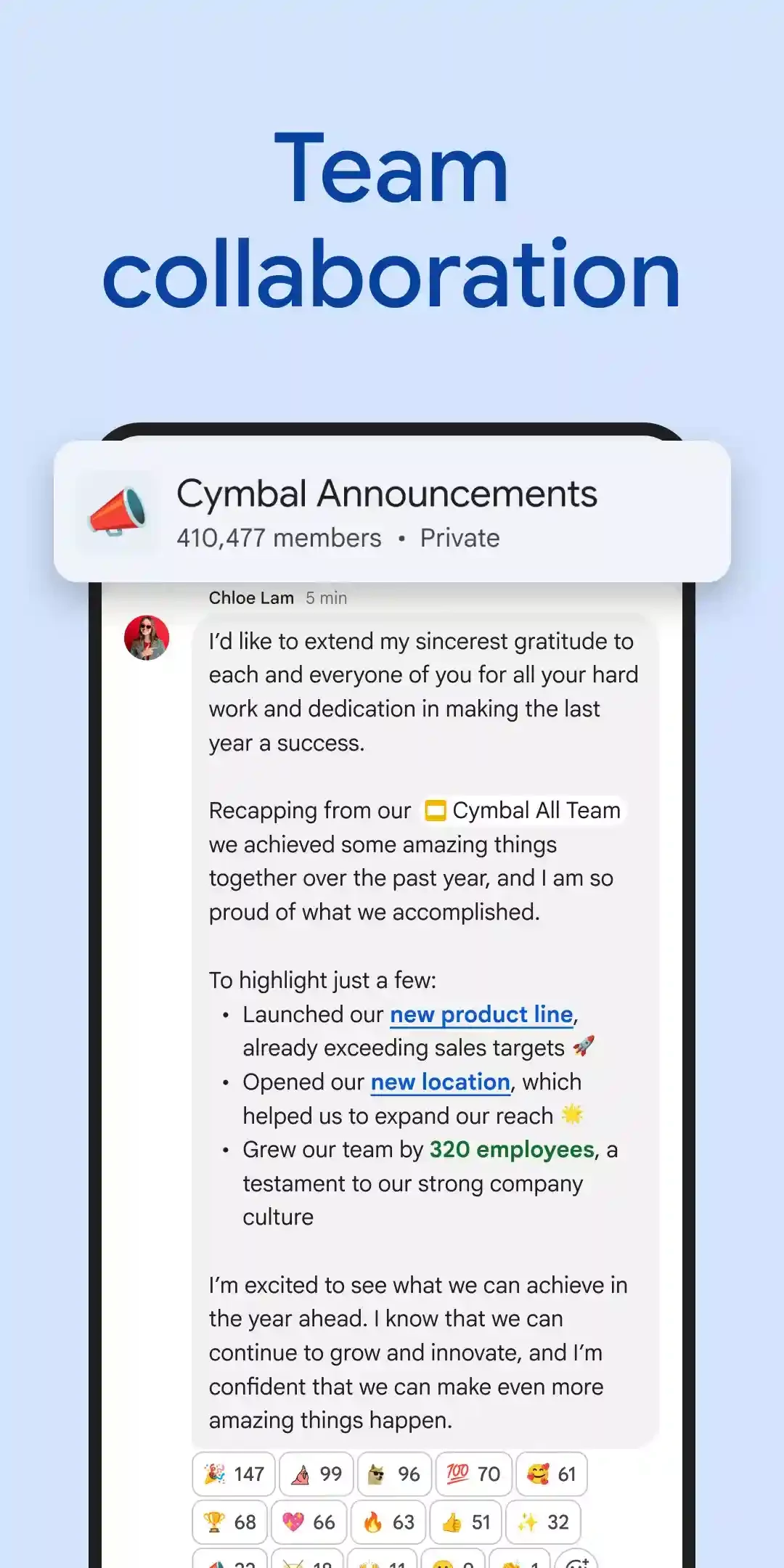
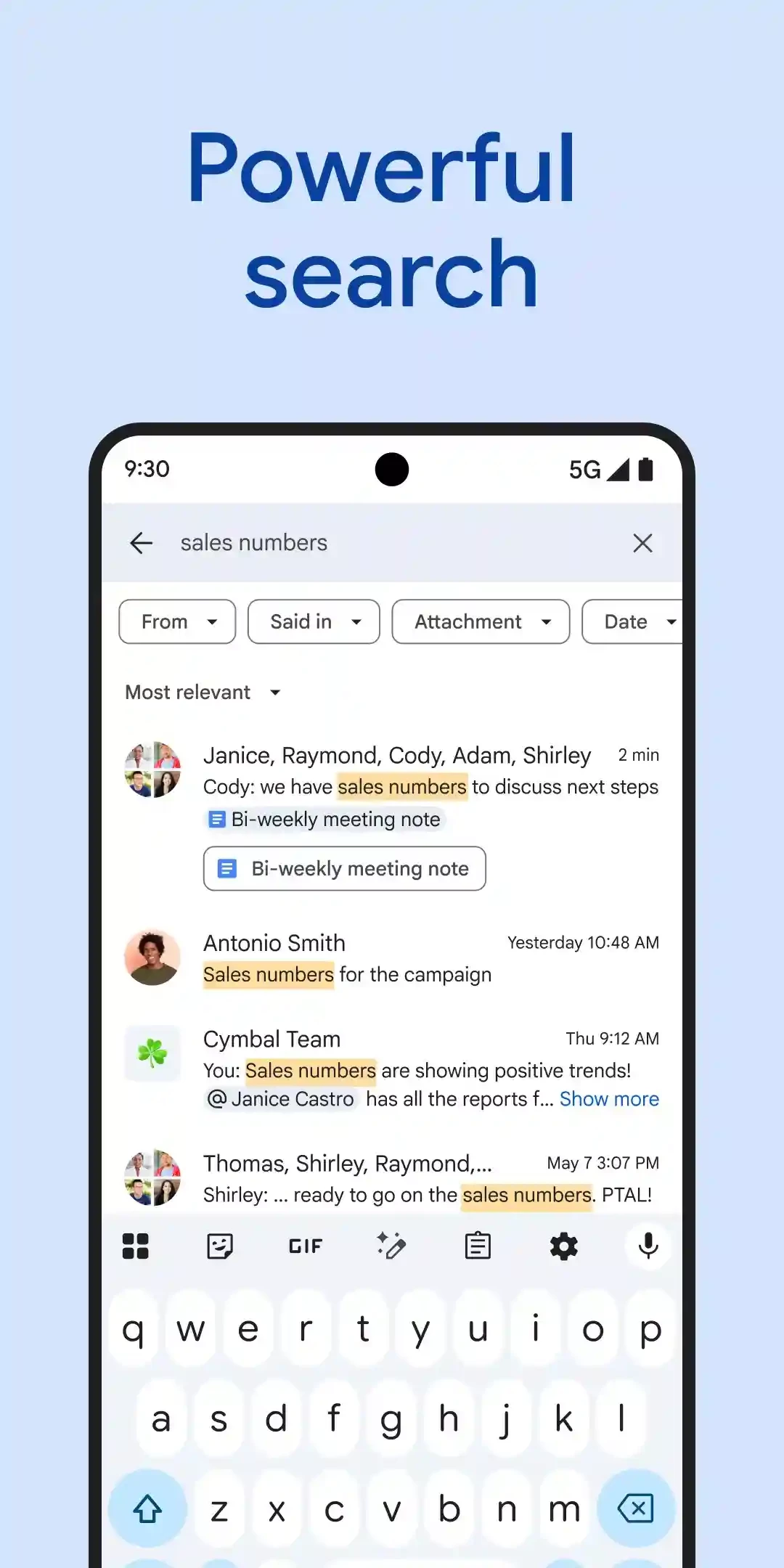
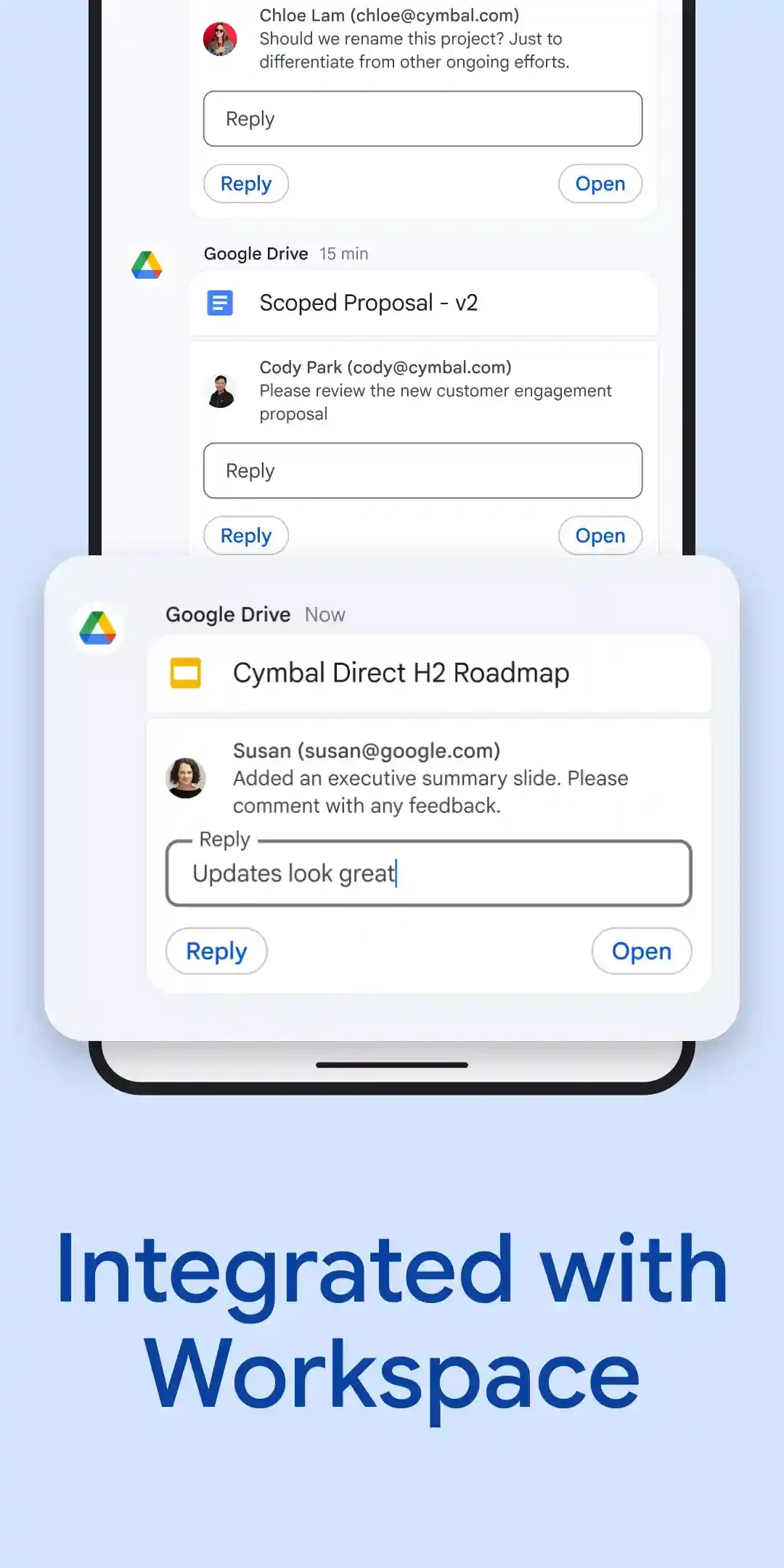
About Google Chat
Google Chat for Android, build 2026.09.07.977329722.Release, is Google's messaging app for direct messages and team chat rooms. It is free to download from Google Play; here are the key facts and a short guide to setting it up.
Quick facts
| Item | Details |
|---|---|
| App | Google Chat |
| Developer | Google LLC |
| Version | 2026.09.07.977329722.Release |
| Platform | Android; also in the browser |
| First release | 2017 |
| Price | Free |
| Size | about 24.46 MB according to catalogue data |
What Google Chat is for
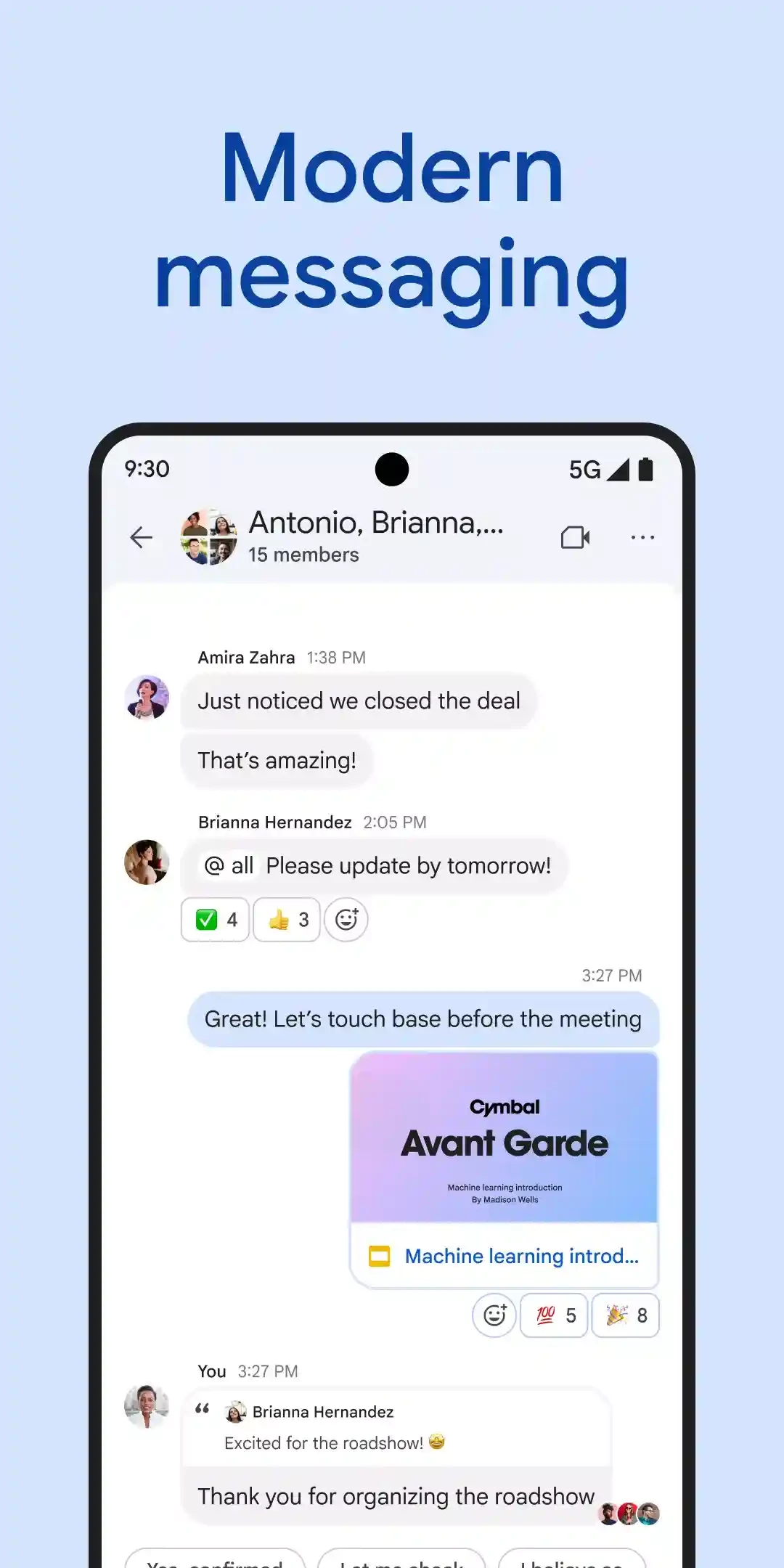
Google Chat covers two kinds of conversation. Direct messages are for one person or a small group, much like any messenger. Team chat rooms are for a project or a department: everyone in the room sees the discussion and can join in, so decisions stay in one place instead of scattered across inboxes. The app fits naturally into the rest of Google's work tools, which is why companies and schools that use Google accounts often make it their default channel instead of long email chains. On the phone it keeps you reachable when you are away from the desk, while the same conversations stay available in a browser at chat.google.com. For a personal account it works too, but its real strength shows in organisations where the whole team already signs in with Google.
Who it suits
Google Chat is a good match for small businesses, schools and volunteer groups that already share documents through Google accounts and want one place for quick questions. Families can use it too, but if your friends are spread across different messengers, a more widespread chat app will reach them faster. Teams that live in another office suite usually stay with its own chat tool.
How to install
- Open Google Play and search for Google Chat.
- Make sure the developer is Google LLC and tap Install.
- Sign in with your personal or work Google account.
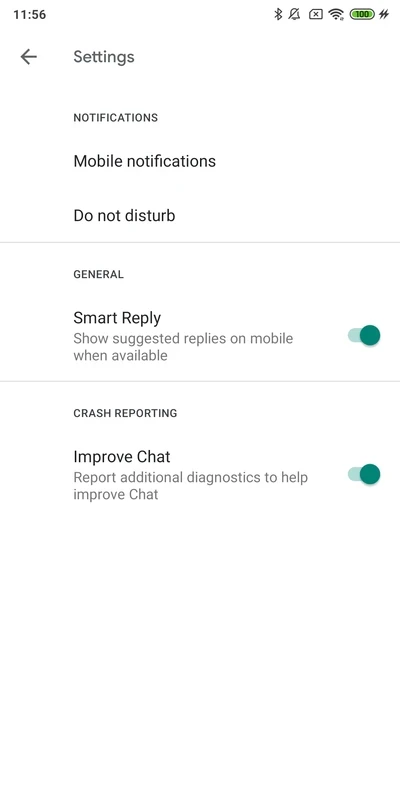
- Allow notifications, then mute rooms you only need to read now and then.
Safety tips
- Install the app only from Google Play.
- Use two-step verification on your Google account.
- Be careful with links and files from people outside your organisation.
- On a work account, follow your company's rules on what can be shared.
Tips for daily use
Keep the list of rooms short by leaving the ones you no longer need, silence notifications outside working time so the phone stays quiet in the evening, and move long side discussions into a separate room or a direct message.
Pros and cons
- Pro: free and light.
- Pro: works well with other Google tools.
- Pro: same chats on phone and web.
- Con: needs a Google account.
- Con: most useful when your team already uses Google.
Alternatives
Other team and messaging apps for Android in our listings: Microsoft Teams, Discord, Zoom Workplace and Telegram. Developers can follow the Google Chat API release notes, and the web version opens at chat.google.com.